
ListenBrainz Integration
ListenBrainz Integration
Display your currently playing music on your OshiSocial profile with ListenBrainz integration. This federated feature shows what you’re listening to in real-time.
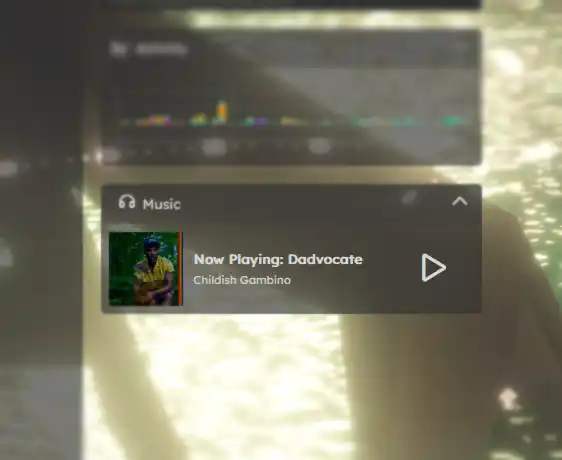
What is ListenBrainz?
ListenBrainz is an open-source music listening tracker that integrates with OshiSocial (powered by Sharkey fediverse software) to display your “now playing” music on your profile. This creates a dynamic music tile that updates automatically as you listen.
Quick Setup Guide
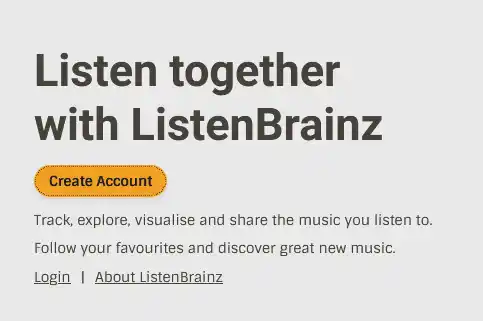
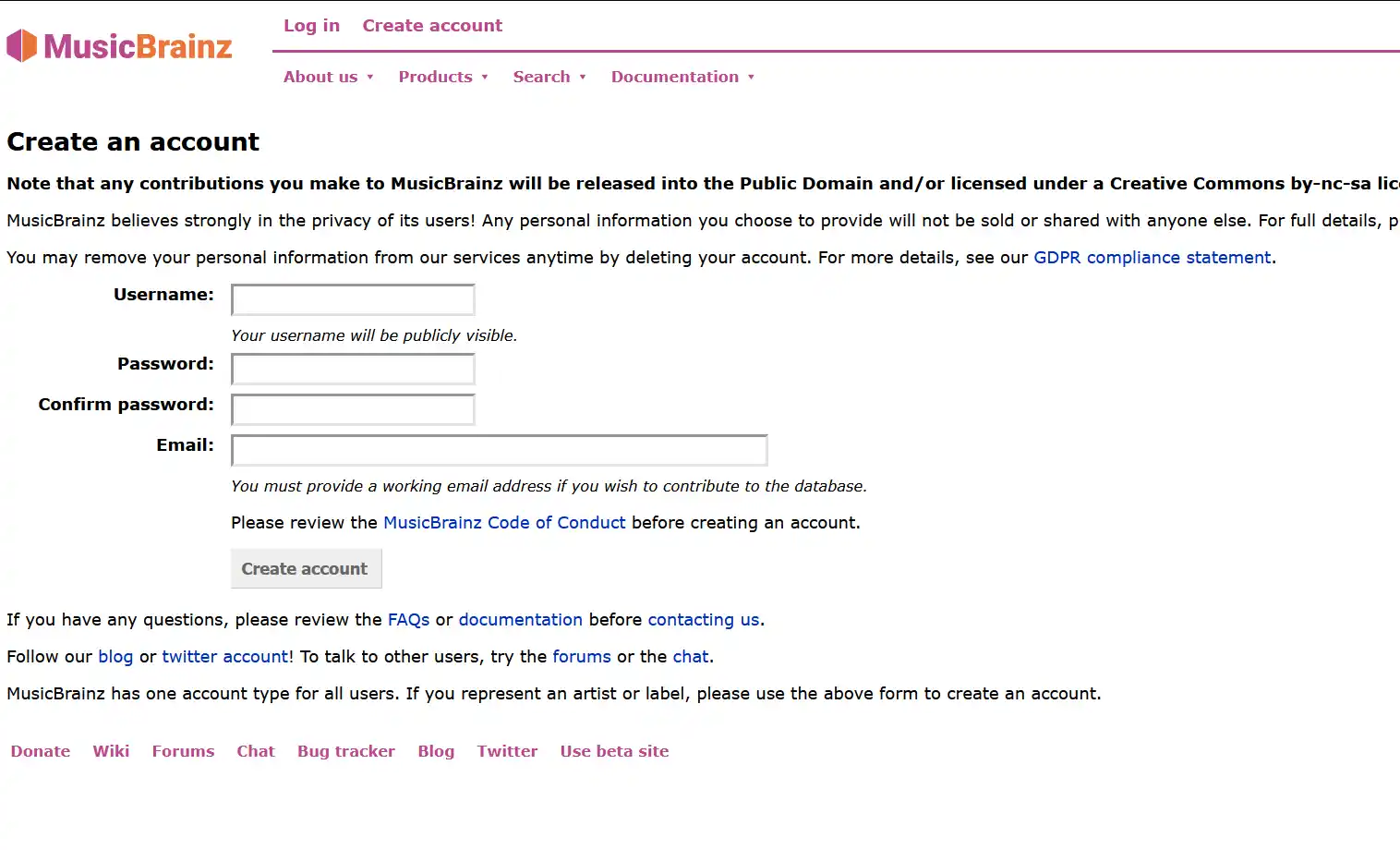
Visit listenbrainz.org and click “Create Account”
Navigate to Settings → Profile on OshiSocial and place your username here.
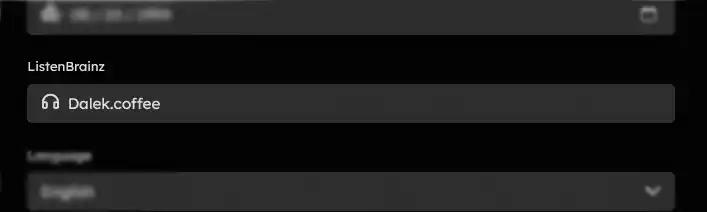
Enter your ListenBrainz username from Step 1 in the designated field
Choose one of the integration methods below based on your preferred music platform
Music Service Integrations
Choose the integration method that matches how you listen to music:
Spotify Integration (Recommended)
The easiest and most reliable integration for Spotify users.
Go to your ListenBrainz Music Service settings
Select “Record listening history” for the best experience
Begin playing music on Spotify. It may take a few songs before the tile appears on your profile.
Web Scrobbler (Universal)
Works with YouTube, SoundCloud, Spotify Web, Apple Music Web, and more.
Download from the Web Scrobbler GitHub page
After installation, configure which music services to track
When prompted, authenticate with your ListenBrainz account
Apple Music Integration
Requires an active Apple Music subscription.
Visit your ListenBrainz Music Service settings
Follow the Apple Music connection prompts
Authorize ListenBrainz to access your Apple Music listening data
Alternative Integration Methods
Use the built-in player on ListenBrainz website. Interface differs from mainstream platforms but works without additional setup.
Advanced users can integrate custom music sources using the ListenBrainz API documentation.
Troubleshooting
Music not showing on profile
- Verify your ListenBrainz username is correctly entered in OshiSocial settings
- Check that your music service is actively sending data to ListenBrainz
- Some tracks may take 2-3 songs to start displaying
- Ensure your profile visibility settings allow the music tile to show
Integration stopped working
- Re-authenticate your music service on ListenBrainz
- For Apple Music: Re-authentication required every 6 months
- Check if browser extensions need updating
- Verify ListenBrainz service status
Music tile not visible to others
The music tile feature requires compatible fediverse software. Users on instances running Sharkey, Misskey, or compatible forks will see your music. Mastodon and some other platforms may not display this feature.
Tips for Best Experience
In most cases, only one integration method is needed unless you use multiple music platforms regularly.
Your listening history becomes public. Consider what you’re comfortable sharing before enabling.
This feature works best within Sharkey/Misskey-compatible instances.
The music tile updates in near real-time without affecting your profile’s loading speed.
Platform Compatibility
| Platform | Integration Method | Reliability |
|---|---|---|
| Spotify | Direct Integration | ⭐⭐⭐⭐⭐ Excellent |
| YouTube | Web Scrobbler | ⭐⭐⭐⭐ Very Good |
| Apple Music | Direct or Extension | ⭐⭐⭐ Good (needs re-auth) |
| SoundCloud | Currently Broken | ❌ Unavailable |
| Local Files | Developer API | ⭐⭐ Requires setup |